Skip to content
Details

Custom Electronics Boxes

Protect smart devices and full product sets with neat trays, clear print and box strength matched to the item, its parts and delivery needs.

Free Design Support

Clear Pricing

Flexible Quantities

Unlimited Customization

Premium Materials

Offset Precision

Free Shipping

Quick Turnaround

Custom Electronics Boxes for Devices and Complete Sets

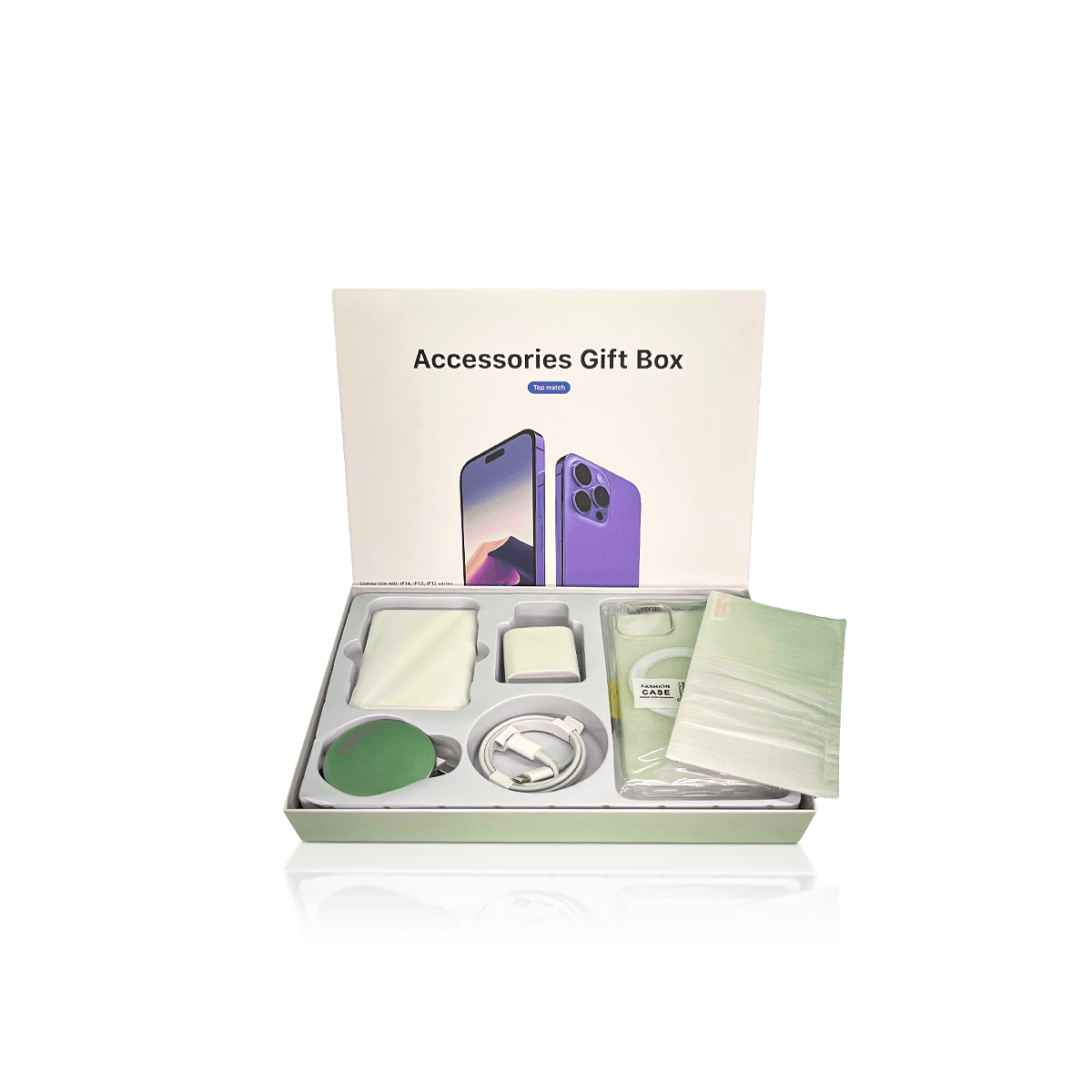
Custom Electronics Boxes should hold the main device and each small part in a set place. They should also show the model, key features and box contents at a glance.

These boxes can suit smart hubs, cameras, routers, sensors, control units and small desk devices. Each item needs a different fit. A camera may have a lens and mount. A router may have aerials, a power unit and a lead. A smart hub may include a stand and setup card.

A box works best when it starts with the full set. Measure the device, lead, plug, manual and all small parts. Then plan which item appears first.

Custom Electronics Packaging covers the wider needs of tech products. Custom Electronics Boxes focus on the finished device box used on shelves, in online orders or as a gift.

Keep the main device in view

The first view should be clear and calm. Leads and small parts should not sit on top of the device.

Give each part one place

A fixed spot makes the box neat. It also helps staff see if a part is missing.

Mark weak and firm areas

Screens, lenses, vents and ports need open space. Firm case edges can take the load.
Map the Fit Before Choosing the Box

Length, width and height are only the start. Custom Electronics Boxes also need a simple map of safe touch points.

For Custom Electronics Boxes, a flat device may still have raised keys or a curved back. A camera may have a lens that sticks out. A sensor may use a clip or wall plate. These details change the tray and box depth.

Support the firm parts

Use broad case edges and strong base points. Do not let the tray press on keys, ports or glass.

Leave a small fit margin

The device should not shake inside the box. It should still lift out with ease.

Plan how the item comes out

A finger cut, open side or paper pull tab can help. The user should not need to tip the box over.

Match the Box Style to Weight and Use

Custom Electronics Boxes can use folding cartons, rigid boxes or corrugated board. The right choice depends on weight, value and how the item will be sold.

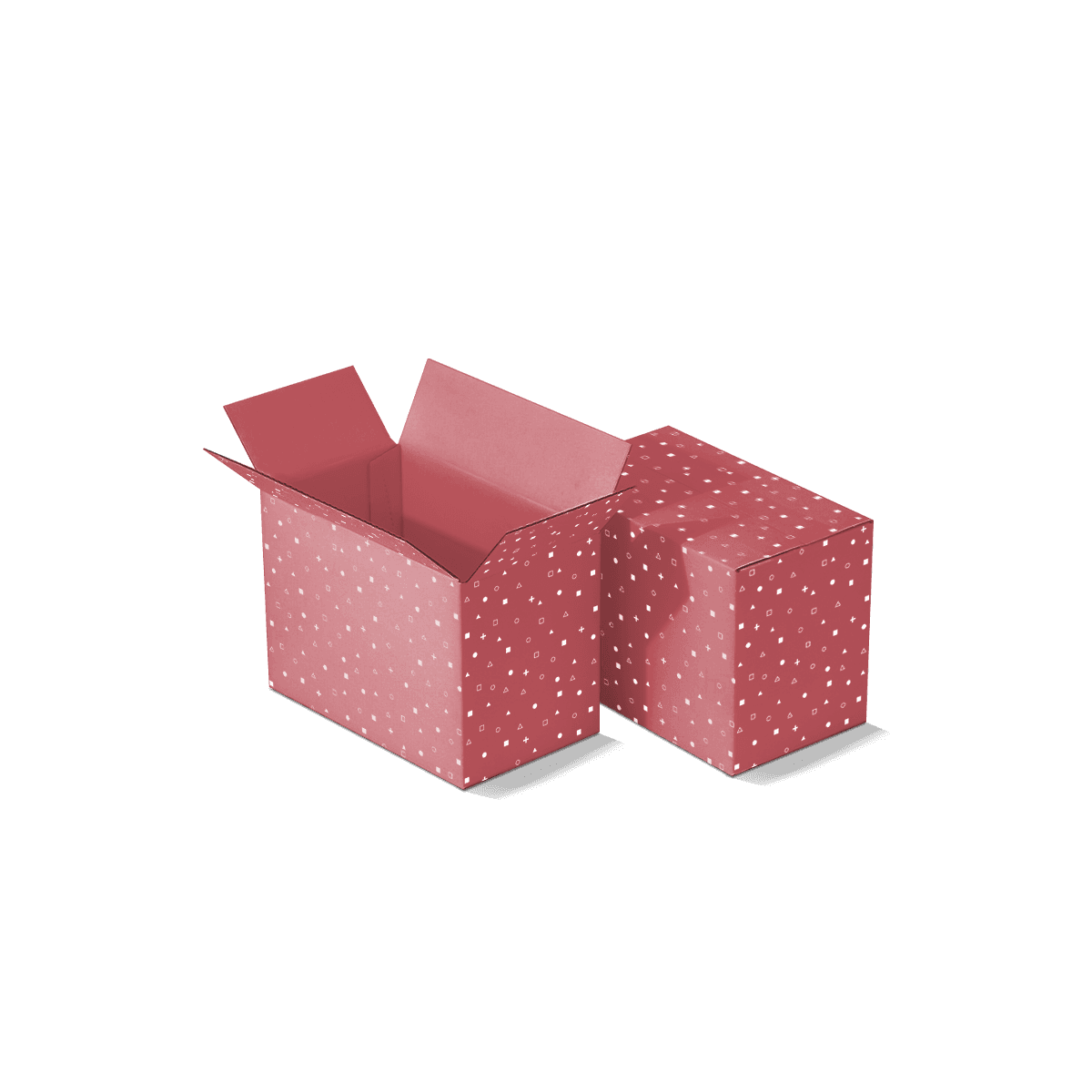
Custom Folding Cartons and Tuck Boxes suit many small devices. They store flat before use and give good print space. A strong base may help with dense items.

Rigid boxes suit high-value gifts and launch sets. Corrugated boxes suit larger items and rougher parcel use.

Folding cartons for small devices

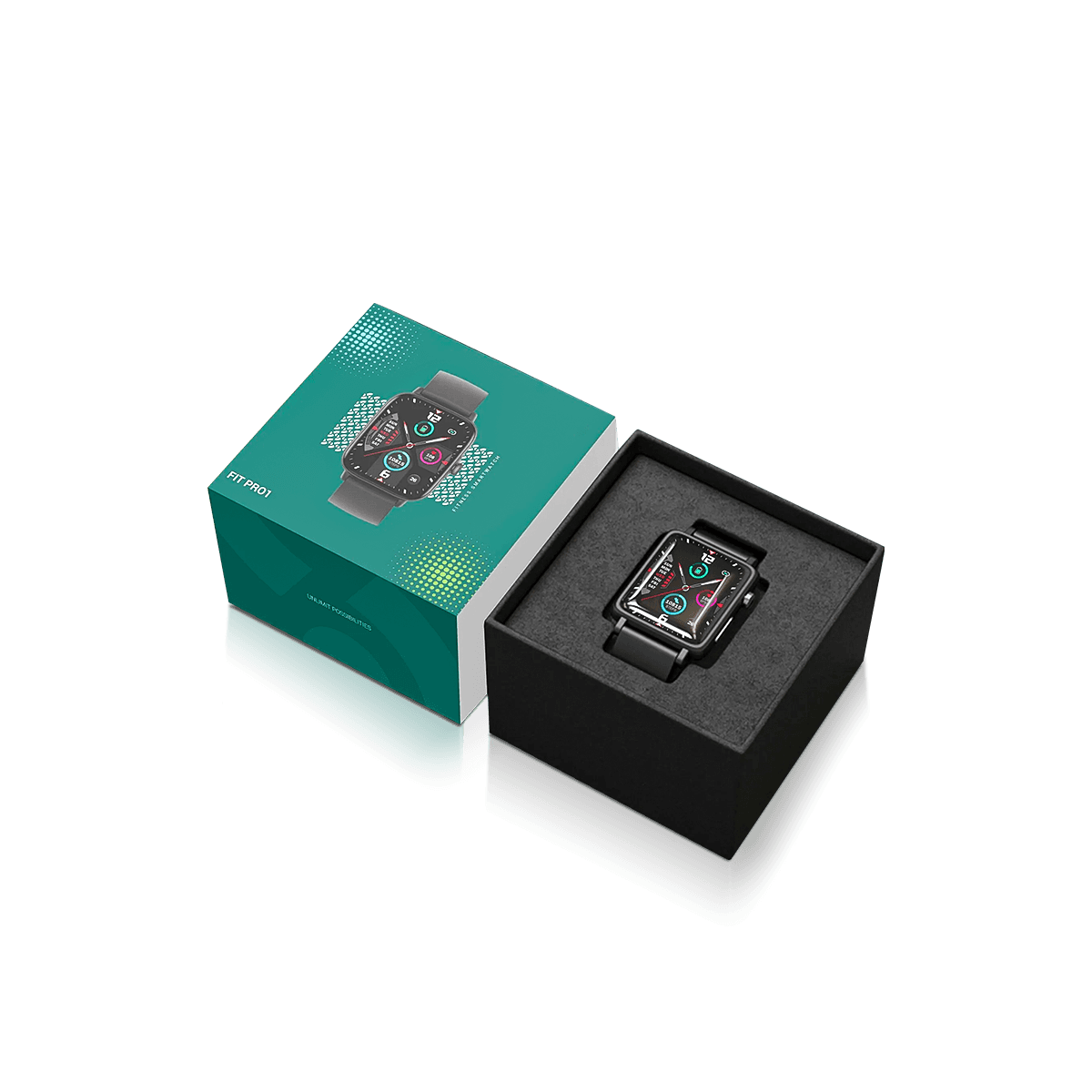
Paperboard can suit sensors, small cameras and control modules. A folded tray can lift the device and hold a lead below it.

Rigid boxes for a slow reveal

A lid-and-base or drawer box can show the device first. Small parts can sit in a second layer.

Corrugated boxes for more strength

Corrugated board can support heavy items. It can also act as the outer box for delivery.

Layer the Device, Power Parts and Paperwork

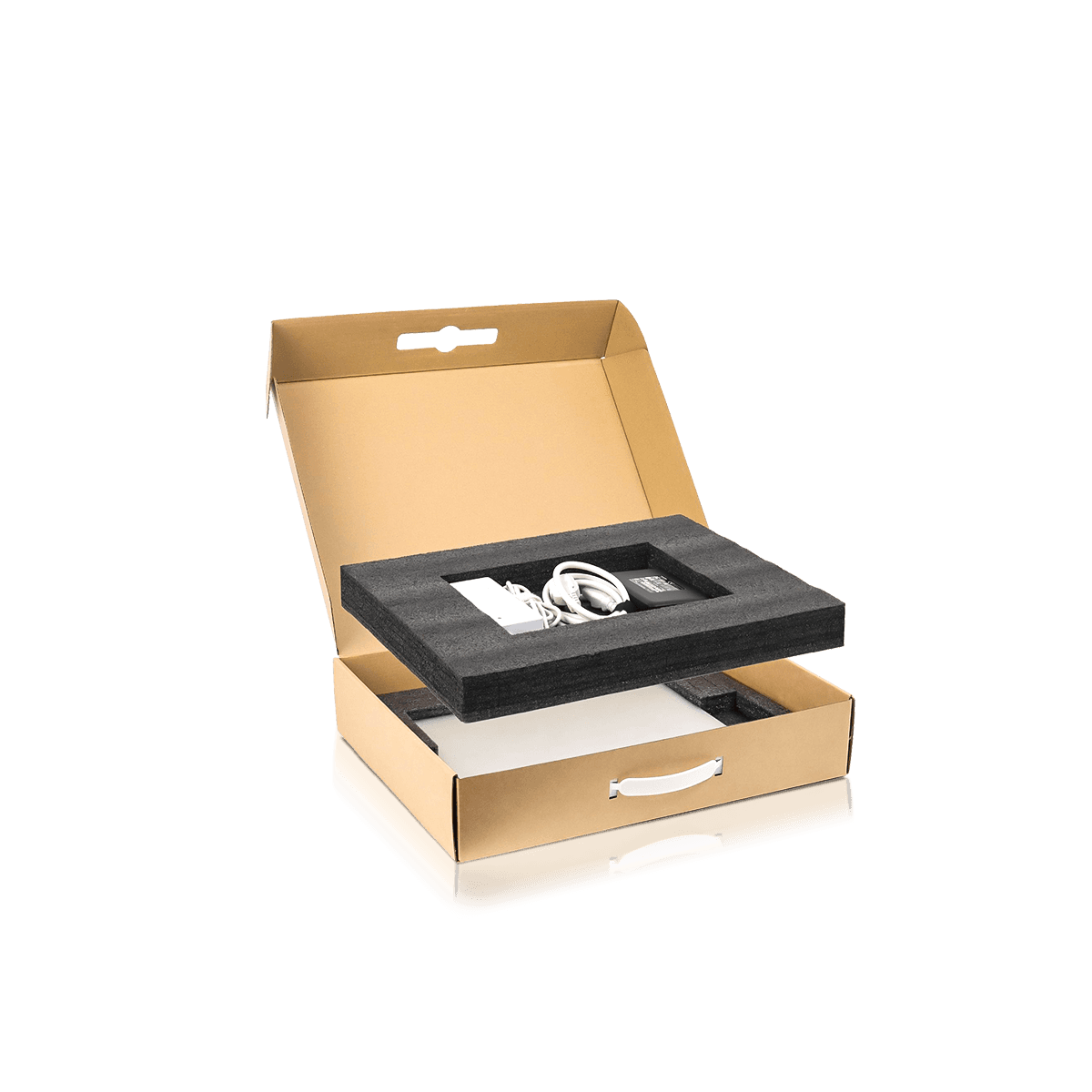
Custom Electronics Boxes often hold more than one item. The main device, plug, lead and manual should not share one loose space inside Custom Electronics Boxes.

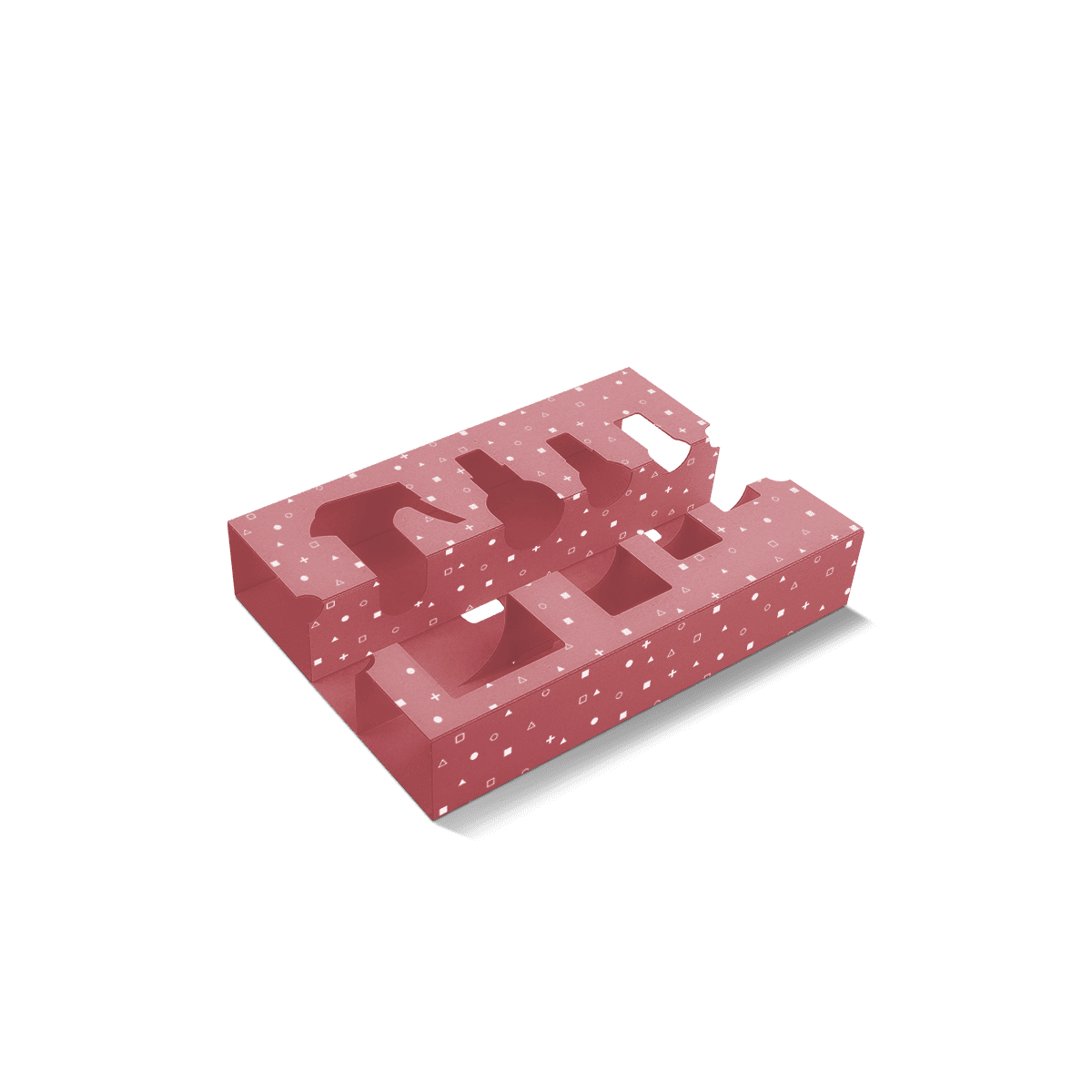
Custom Electronics Insert Boxes can use trays, cells and folded steps. This keeps each part apart and easy to find.

Top layer for the main item

A shaped tray can hold the device at its firm edges. Open space should remain around weak points.

Lower space for the power unit

A second level can hold the plug and lead. Size it around the real coil and plug shape.

Slim slot for cards and manuals

A paper pocket can hold setup cards and warranty notes. It should not bend into the device space.

Keep Screens, Lenses, Vents and Ports Clear

Custom Electronics Boxes should protect the item without pressing on its most sensitive parts.

A tray can hold the case while leaving open space around a screen or lens. Cut-outs can clear buttons, ports and aerial joints. This also makes the item easy to check before the box is closed.

If a device needs an approved ESD bag or wrap, use that first. The paper box and tray should fit around it. The box should not be treated as the ESD layer.

Leave space around parts that stick out

Lenses, knobs and plugs may need a deeper cut-out. The lid should not sit right above them.

Stop marks on smooth faces

Painted or gloss faces can show rub marks. A clean wrap may be needed between the item and tray.

Do not block vents

Vents should not hold weight. Use firm case areas near them instead.

Use Print to Make the Model Easy to Find

Custom Electronics Boxes should help a buyer see the model and main use fast. Too much small text can make the box hard to scan.

Print on Custom Electronics Boxes should put the product name and model on the front. Add one or two key points. Use the side or back for the contents list, barcode and setup notes.

Custom Printed Boxes can keep colour, images and panel order steady across a product family.

Keep one name order

Use the same order for product type, model and version. This helps with shelf checks and order picking.

Show what is in the box

State if the set includes a plug, lead, mount or batteries. The list should match the tray.

Set aside space for marks

Place approved labels and supplier details before the art is signed off.

Protect the Retail Box During Delivery

Custom Electronics Boxes used on shelves may need a second box for parcel delivery. This keeps labels, scuffs and hard knocks away from the printed carton.

Custom Shipping and Postal Boxes can act as the outer layer. The retail box should sit close, but it should not be crushed.

For trade orders, several retail boxes can sit in one case. Dividers or layer pads can keep them upright and cut side movement.

Keep labels off the printed box

A plain outer box keeps the retail face clean. It also leaves key details easy to read.

Test both boxes as one unit

Check for loose space, corner pressure and tray movement. A test of one box alone may miss the real risk.

Keep Related Models Easy to Manage

Custom Electronics Boxes may cover several models that look much the same. The boxes should share one brand look while each model stays clear.

Across Custom Electronics Boxes, keep the logo, product name and key feature in fixed places. Use one set area for model, colour and version. Change the box size or tray when the device fit changes.

One box size can work for close models when a new tray holds each one well. Do not force a shared size if it leaves too much space.

Split print and fit changes

A colour change may need new art only. A new case shape or plug may need a new tray and box depth.

Give the amount for each model

A total of 2,000 boxes may cover four models. State the amount for each one so the quote is clear.

Test the Box With the Full Set

A sample for Custom Electronics Boxes should hold the real device and all parts. An empty box cannot show weight, pressure or loose items.

When testing Custom Electronics Boxes, load the device, plug, lead and papers. Close the box and move it with care. Listen for loose parts. Open it more than once and check that the tray keeps its shape.

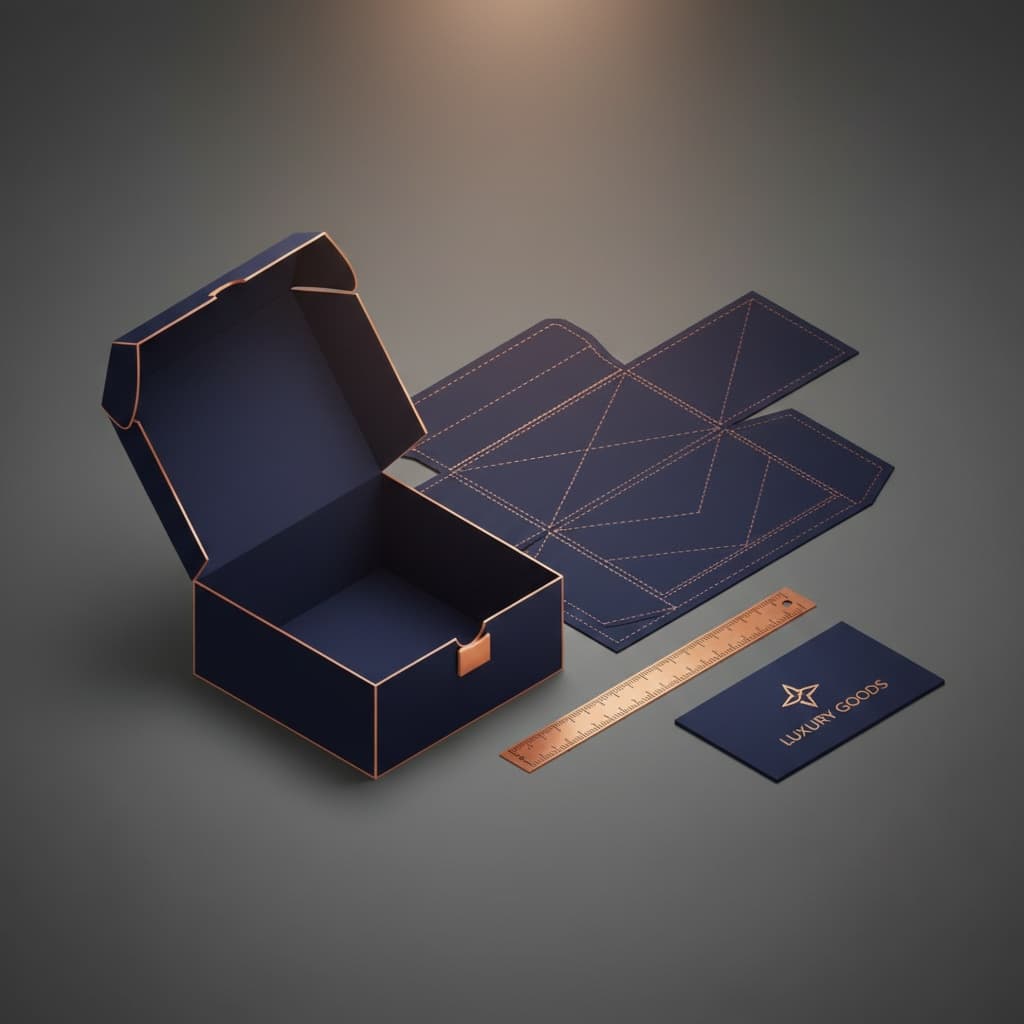
A 3D mockup can check art and panel order. A real sample is useful for odd shapes, deep trays and heavy power units.

Check the loading order

Each part should have one clear place. This helps staff fill the box in the same way each time.

Check return use

Some people keep the box for storage or returns. The device and parts should go back in without harm.

Planning Example for a Smart Camera Set

Think of a smart camera set with a camera, wall mount, screws, power lead and setup card.

A weak box puts all parts in one space. The camera can turn. The screws can touch its face. The card can bend.

A better box uses a top tray for the camera. Open space protects the lens. A lower cell holds the lead. A side cell holds the mount and screws. The setup card sits flat under the lid.

This is an example, not a claimed client job. It shows why Custom Electronics Boxes should start with the full parts list and opening order.

Plan Small Runs and Later Updates

MOQ starts from 50. This can suit a pilot item, a niche device or a first shop test. Custom Packly can also make Custom Electronics Boxes in the thousands and for large repeat needs.

Device updates can change the box. A new plug, case or mount may need a new tray. Keep the approved art, dieline and loading notes in one file set.

For repeat Custom Electronics Boxes, check the latest device before using the old tray. A small change in a port or case can move the safe support points.

Send the Full Product Details for a Quote

A clear price for Custom Electronics Boxes starts with the real device and every item in the box. Send:

  • Device length, width and height
  • Full boxed weight
  • Photos from several sides
  • Screen, lens, vent and port areas
  • Plug, lead and small part sizes
  • Manual and card sizes
  • Amount for each model or print version
  • Shelf, gift or online use
  • Board, tray and finish ideas
  • Art status and target date

Custom Packly can then plan the box, tray and delivery layer as one system. Send the details through Get a Quote so the price reflects the real fit and parts list.

FAQs

A layered tray or divider can split the device, plug, leads and small items.

Only when it can take parcel pressure and labels. Many items need a plain outer box.

Yes. A paper pocket or flat slot can hold cards and manuals away from the device.

Process

How it works

Simple steps from idea to delivery

01

Tell Us Your Specs

Custom packaging boxes

Tell Us Your Specs

Provide size, quantity, printing, and finishes.

02

Get a Fast Quote

Custom packaging boxes

Get a Fast Quote

Instant transparent pricing, no hidden fees.

03

Design and Approval

Custom packaging boxes

Design and Approval

Artwork checks, revisions, and final sign-off.

04

Produce

Custom packaging boxes

Produce

Expert manufacturing to meet deadlines.

05

Ship to Your Door

Custom packaging boxes

Ship to Your Door

Hassle-free, flexible delivery options.

Start Your Custom Packaging Quote

Share your product details, dimensions, quantity and artwork needs. We’ll help choose the right packaging style and send a clear quote.