Custom Mobile Accessory Boxes
Custom Mobile Accessory Boxes for phone cases, screen protectors, mounts and small tech items, with clear model details, neat display and secure support.
Free Design Support
Clear Pricing
Flexible Quantities
Unlimited Customization
Premium Materials
Offset Precision
Free Shipping
Quick Turnaround
Custom Mobile Accessory Boxes for Phone Cases and Small Tech
Custom Mobile Accessory Boxes need to do three things well. They must show which phone or device the item fits. They must hold the item in place. They must also look neat beside other models and colours.
Phone cases and screen guards can look much the same. Yet a small change in size can make the item wrong for the phone. Clear print helps the customer choose the right one before opening the box.
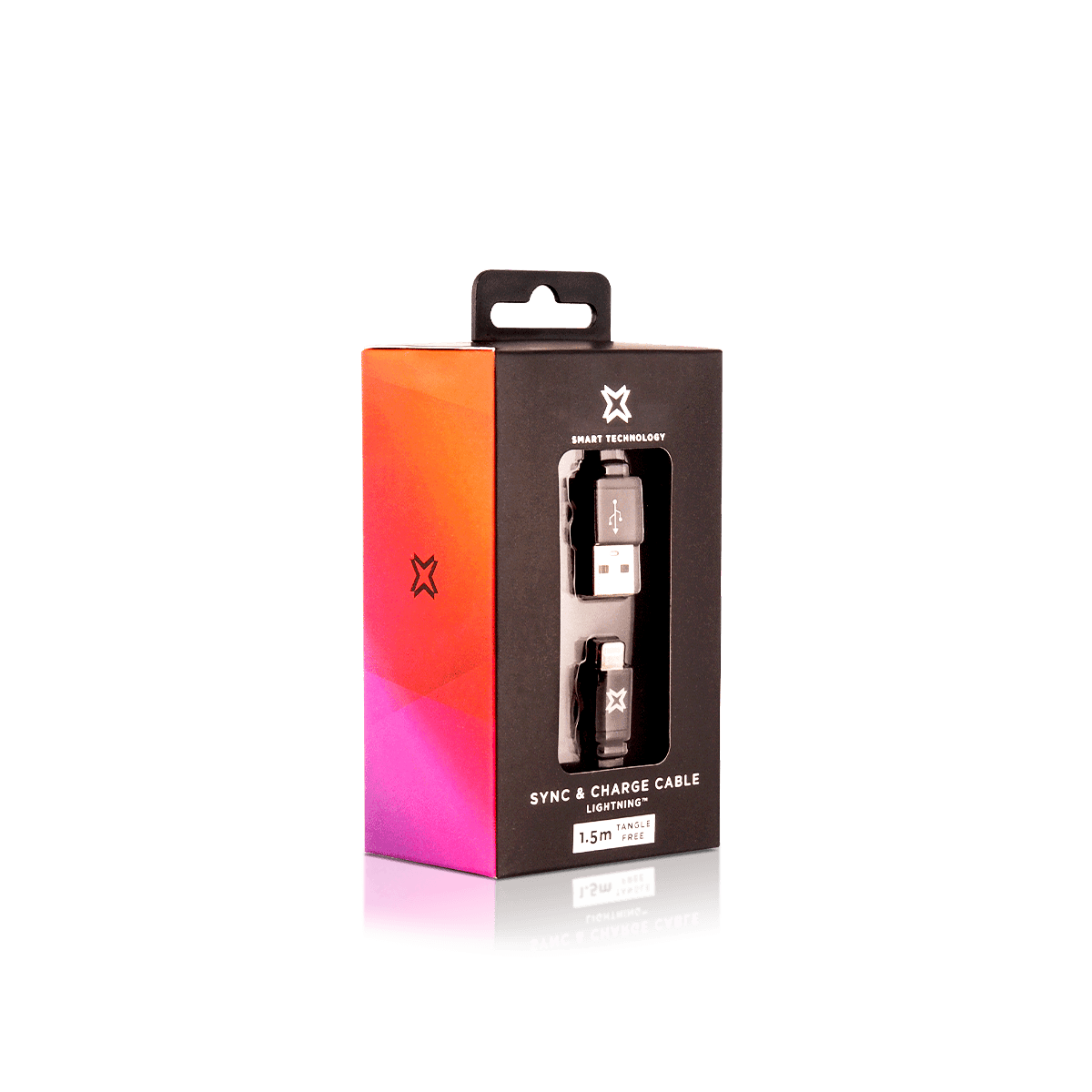
The box should start with the item itself. Its size, weight and shape affect the board, closure and inner tray. The way it is sold also matters. A case on a peg wall needs a strong hang tab. A car mount may need a deeper box. A screen guard needs flat support.
Custom Packly makes Custom Mobile Accessory Boxes around the real item. This keeps the fit neat and cuts empty space. It also leaves room for model names, features and key product details.
Phone cases and covers
Custom Mobile Accessory Boxes for phone cases should stop the case sliding or twisting. A shallow card tray can keep it centred. The front panel can show the case finish and the phone model it fits.
Screen and camera guards
Thin glass and film need firm, flat support. A backing card or slim carton can help reduce bending. It can also hold wipes, dust stickers and fitting notes.
Mounts, stands and adapters
Car mounts, grips and small adapters often have uneven shapes. Folded tabs can hold these parts without hiding the main feature.
Show the Right Phone Model at a Glance
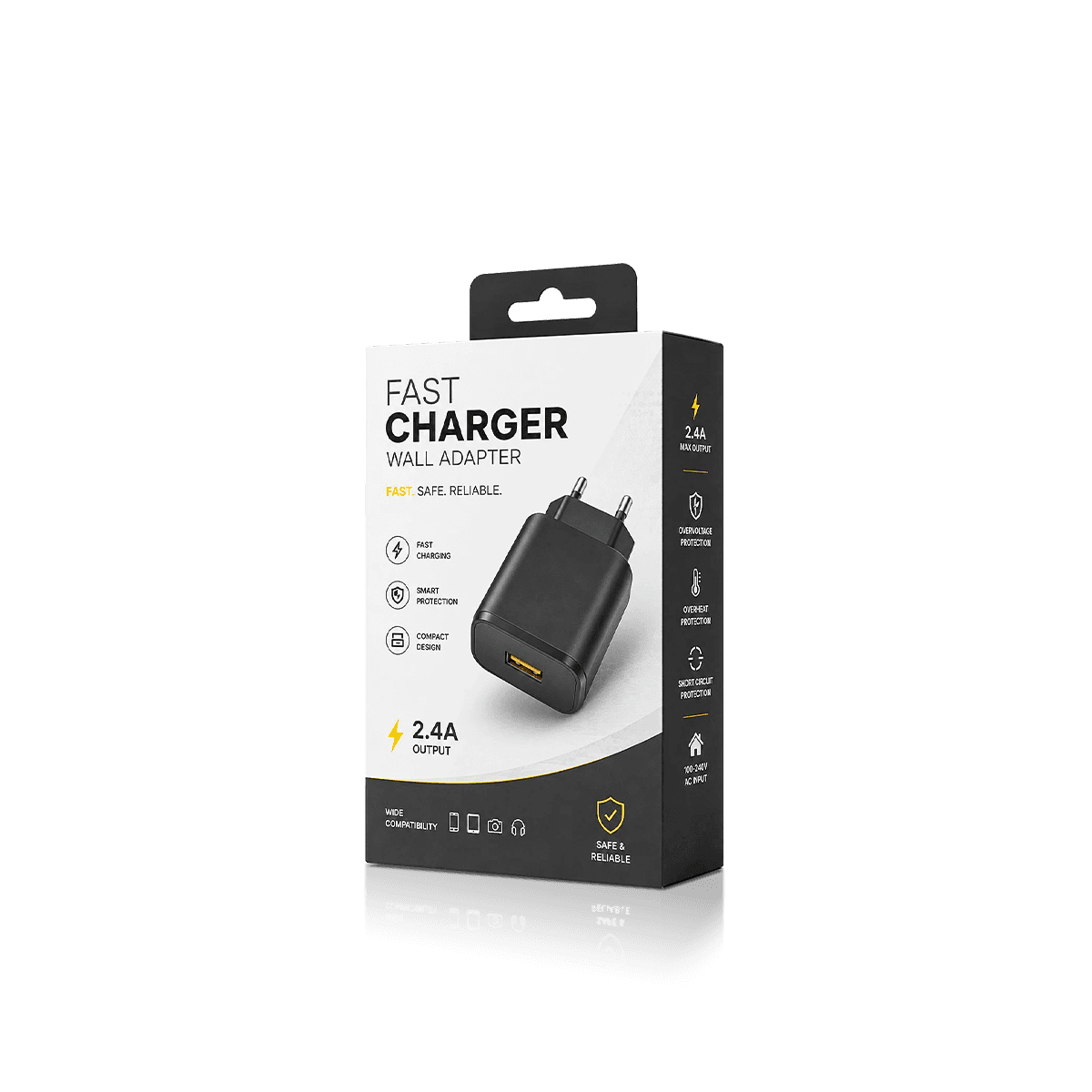
Custom Mobile Accessory Boxes should make device fit easy to read. A shopper should not need to turn the box many times to find the model name.
Put the phone model, device type or plug type on the main face. Use clear words and strong size contrast. When an item fits more than one phone, place the list in one set area.
This also helps staff keep similar boxes in the right place. The brand and item name can stay fixed. The model, colour or size can change in a marked zone.
Use colour as a second cue
Colour can help separate phone models or item types. It should not replace the model name. Shades may look different in store light or online photos.
Leave room for barcodes and fitting notes
The side and back panels can hold barcodes, fit steps and other details. Plan this space before print. Late text often becomes too small or runs over folds.
Keep names in one order
Use the same naming order on every box. Start with the item type. Add the phone model next. Put the colour or finish last. This makes Custom Mobile Accessory Boxes easier to sort and pick.
Choose the Box by Shelf or Peg Display
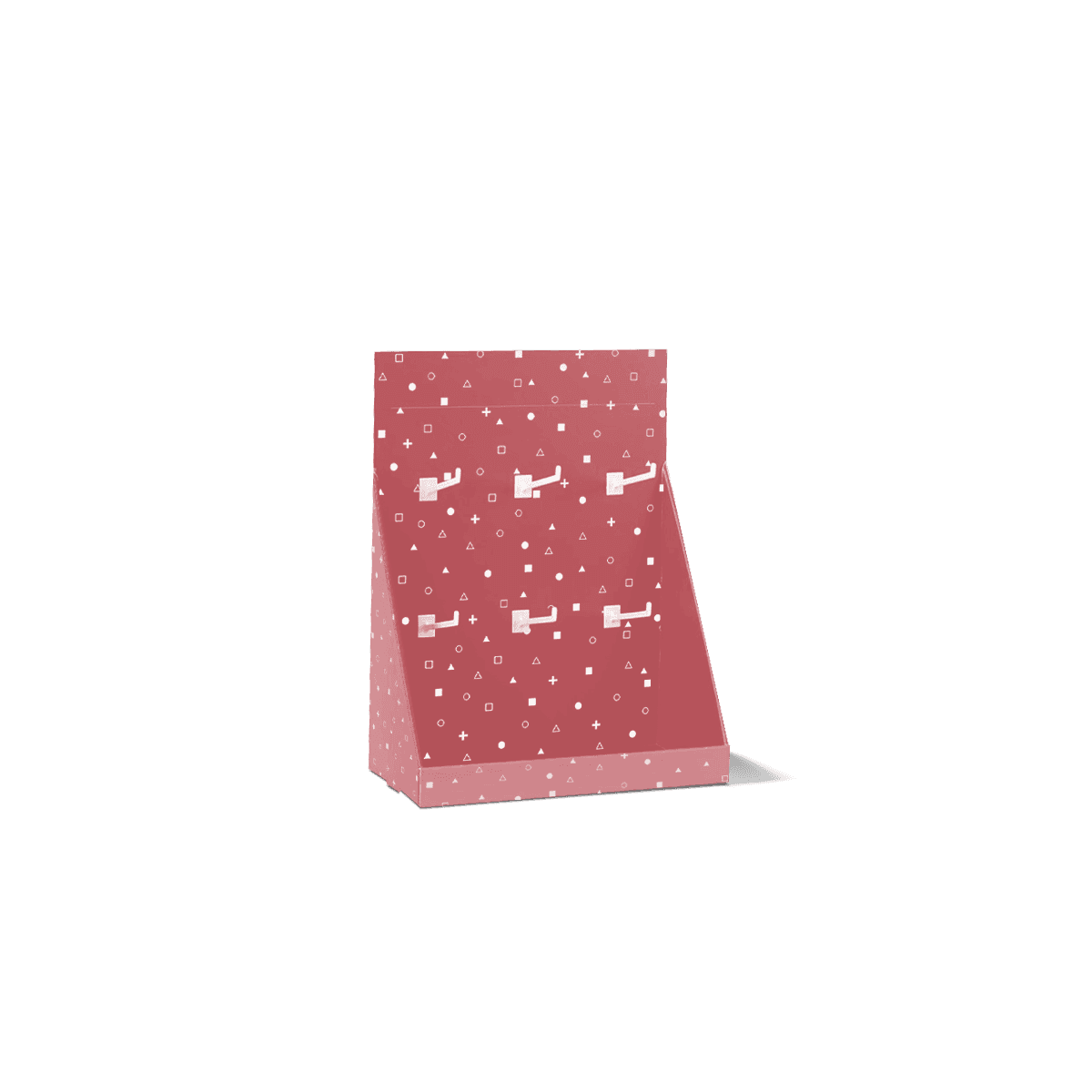
Custom Mobile Accessory Boxes on peg walls face more strain than boxes that stand on a shelf. The top panel, board and slot must suit the filled weight.
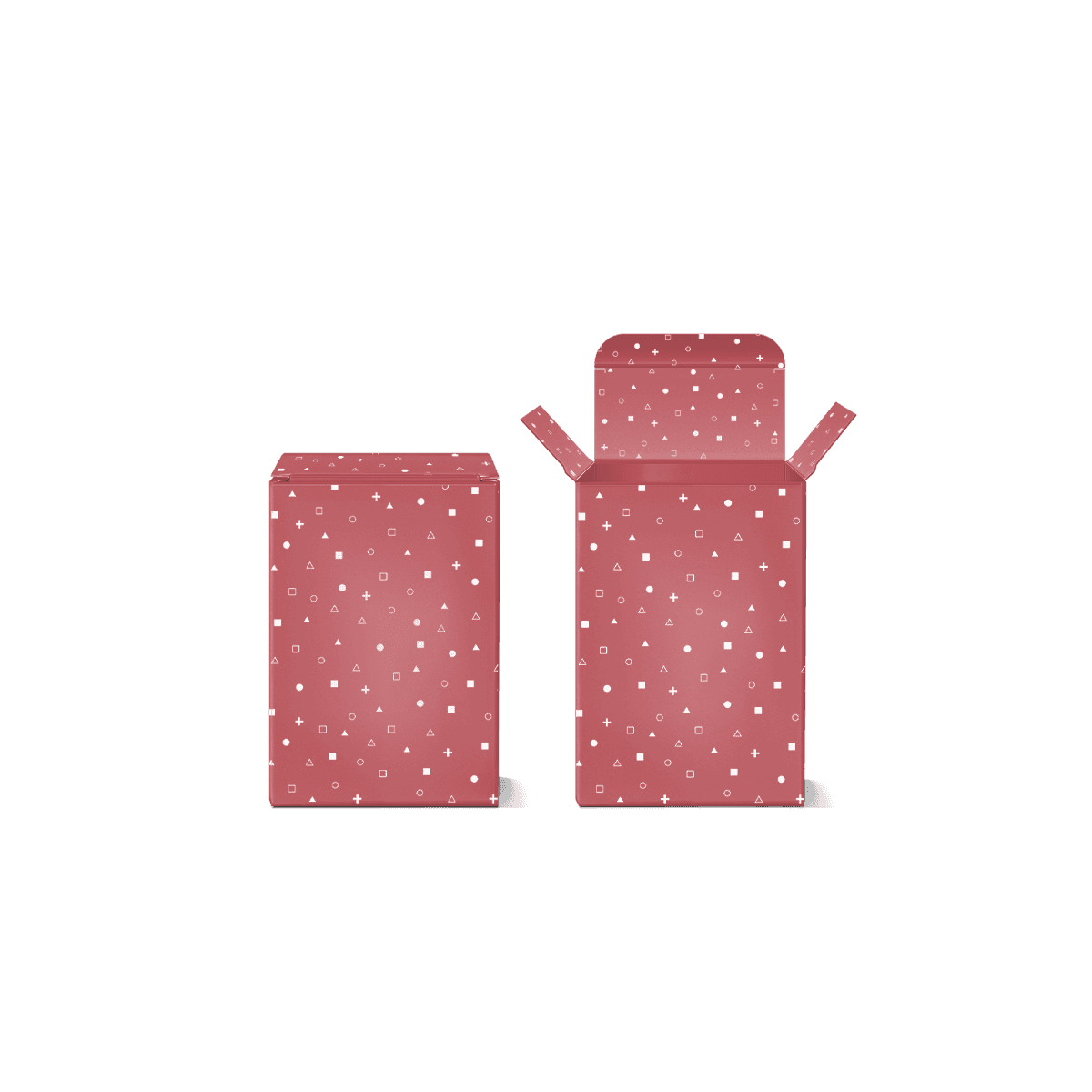
Custom Folding Cartons and Tuck Boxes work well for many light phone items. They offer broad print space. They can also use a hang tab, window or card tray.
Hang tabs that stay straight
A hang tab should hold the box without bending too soon. The hole also needs enough board around it. A weak top panel can tear or tilt once the box is filled.
Heavy mounts or sets may need thicker board. Some may suit a shelf box instead of a peg tab.
Tuck boxes for shelves
Tuck boxes suit cases, guards, adapters and care items. They arrive flat and are quick to fill. The board should match the item weight and box depth.
Windows that show the item
A window can show colour, texture or finish. The tray must hold the item in the right spot. A large cut-out can weaken a narrow panel, so the box still needs enough board around it.
Hold Small Parts in the Right Place
Custom Mobile Accessory Boxes should not let a small item fall to the base. The product should sit close to the opening face and stay in view.
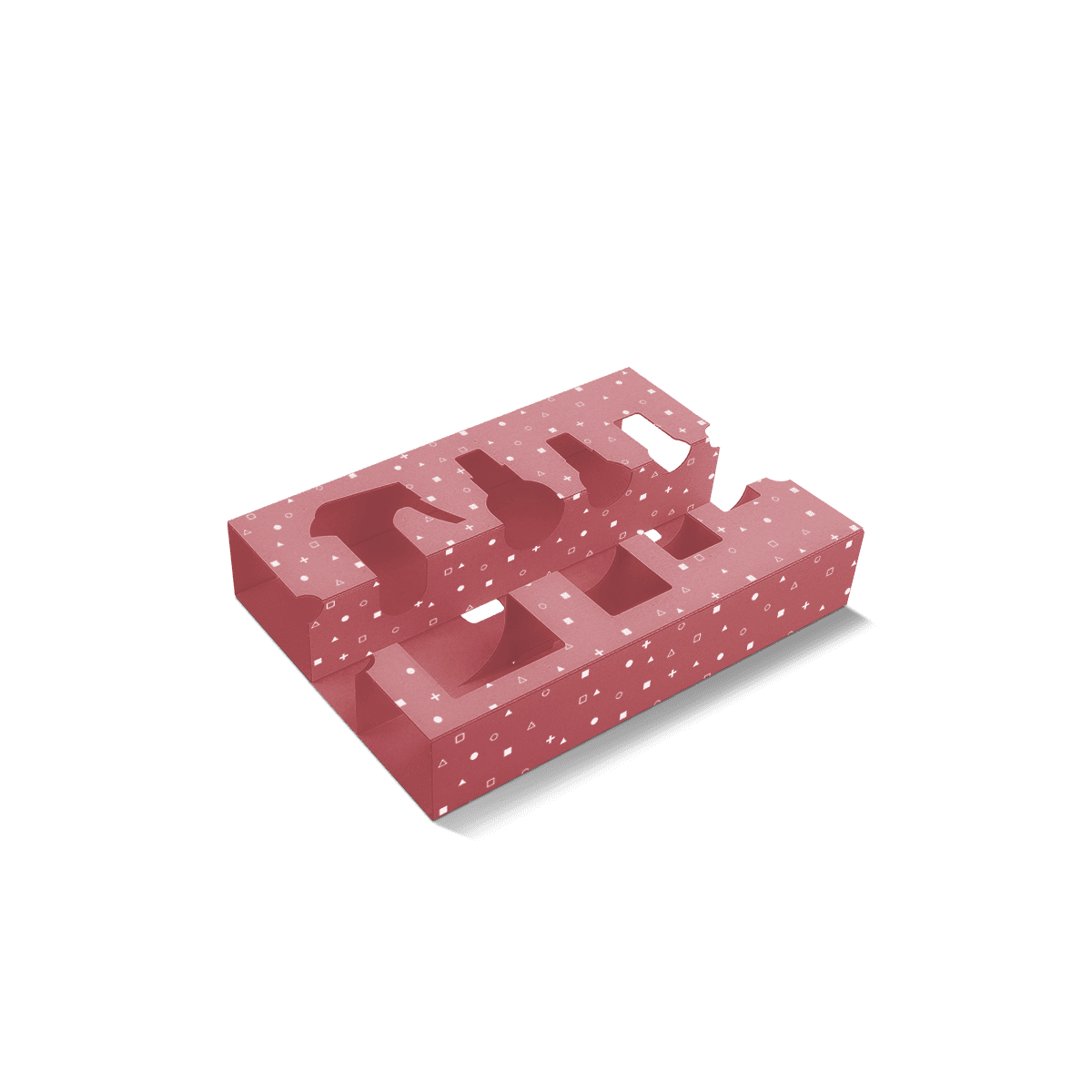
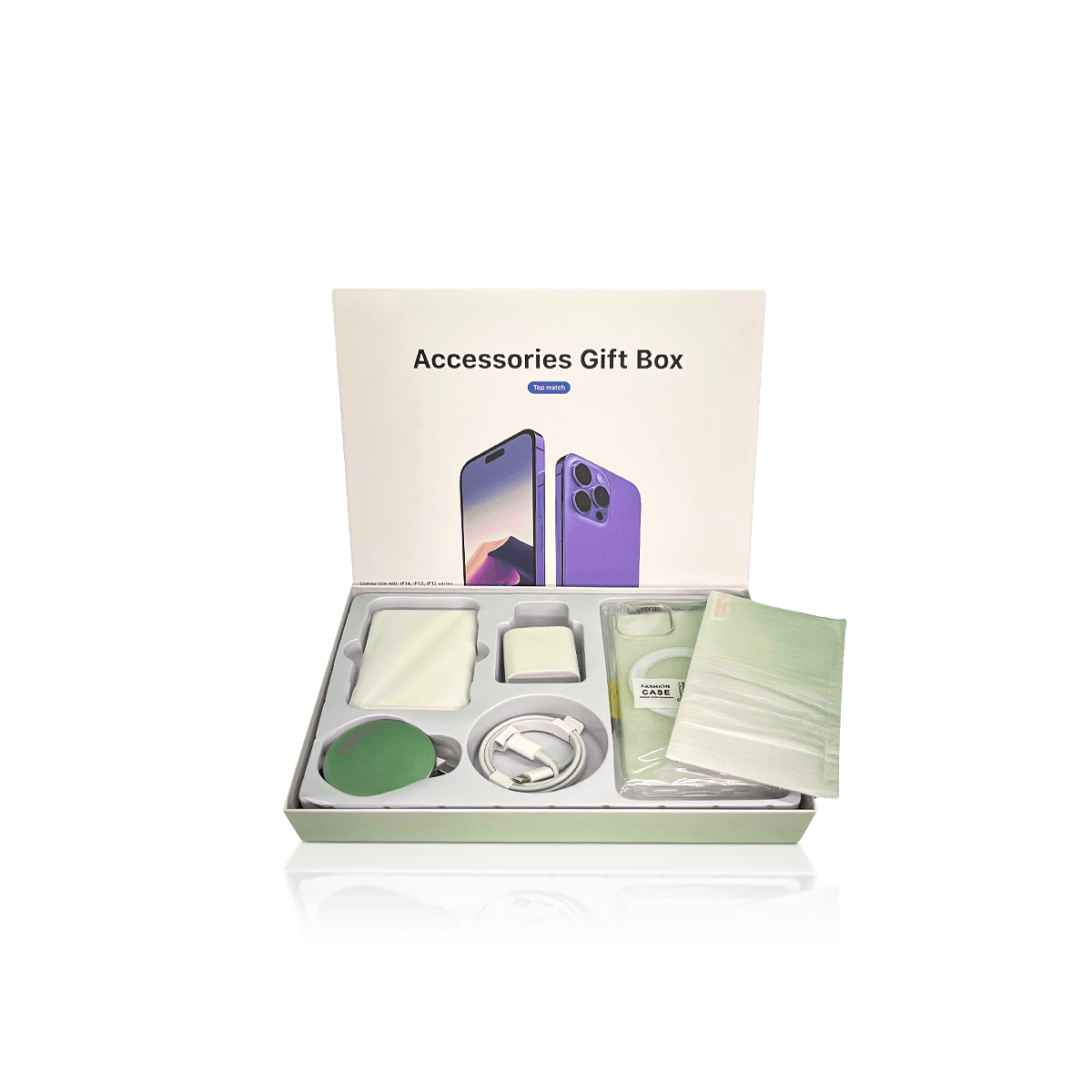
Custom Inserts and Dividers can form a tray, raised step or small parts area. Paper-based inserts can also reduce the need for loose fill.
Trays for phone cases
A shallow tray can keep the case centred. Side tabs can stop it moving. A finger notch can make the case easy to lift out.
Backing cards for flat items
Screen guards and lens covers often need a firm card. The card can also hold wipes or small fitting tools in a paper sleeve.
Small spaces for extra parts
A car mount may include a base, plate and pad. Each piece needs a clear place. This helps staff check the set before closing the box.
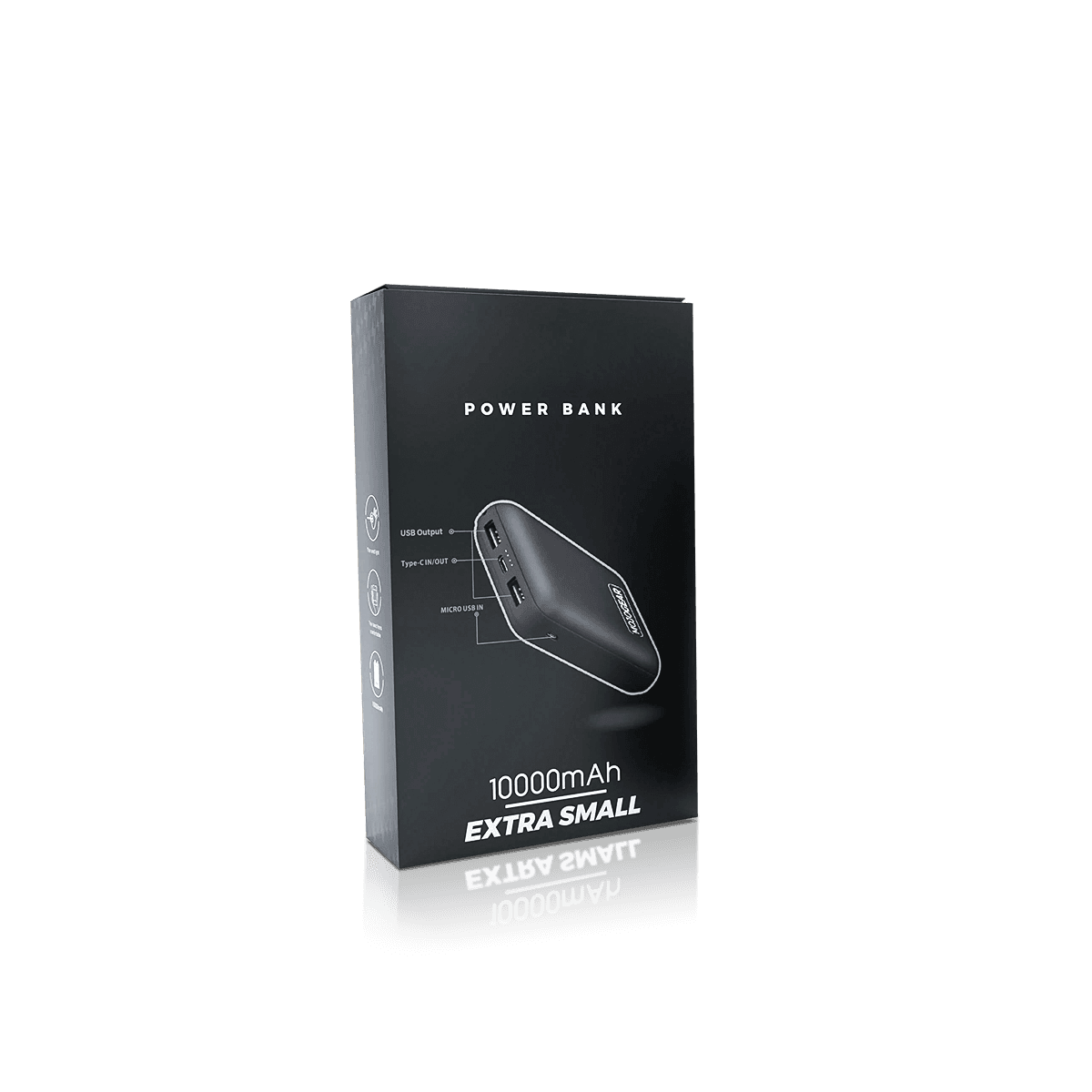
An item with a wall plug or charge unit may need Custom Charger Boxes. These can allow more space for plug pins, cable bends and added weight.
Pick Board and Print That Suit the Item
Paperboard is a good fit for many Custom Mobile Accessory Boxes. It folds well and gives a clean print face. Kraft can give a simple natural look. Small corrugated boxes may suit heavy mounts or direct delivery.
The board must suit the filled box. Thin stock can bow near a peg hole. A deep box may need more strength than a slim case carton. Heavy stock may add cost without adding real value.
White board helps small text and icons stay clear. Kraft needs art that works on a brown base. Paper-based choices can also support a lower-plastic design when the item still has enough care.
Print on Custom Mobile Accessory Boxes should help the buyer choose the right item. Put the brand, item name and main phone fit on the front. Use the sides for size, material or fit notes. Use the back for longer details and barcodes.
Matte or gloss coating can help protect the print. Foil, raised print or spot gloss can mark a logo. These effects should not hide the phone model or other key text.
Use the correct item image
The image on the box should match the item inside. A stock phone image can cause doubt when several models use a similar design.
Keep icons simple
Use only icons that help the choice. Too many small marks can make the front hard to scan.
Print inside only when it helps
Inside print can show fit steps or a short care note. It should appear when the customer needs it.
Add a Strong Outer Box for Delivery
Custom Mobile Accessory Boxes used on shelves are not always strong enough for shipping. They may need a plain postal outer when they go straight to the customer.
For shop orders, many retail boxes can sit in one corrugated case. For online orders, Custom Mobile Accessory Boxes can use a close outer box. This keeps labels, scuffs and pressure away from the print.
The outer box should limit movement. It should not press on a window, peg tab or raised logo. Too much loose fill can raise parcel size and still let the box move.
Larger devices, gift sets and stronger transit needs often require Custom Electronics Packaging with more internal support.
Keep Many Phone Models Easy to Manage
Most brands use Custom Mobile Accessory Boxes across more than one phone model. The boxes should look linked while each version stays easy to spot.
Keep fixed areas for the logo, item name and main feature. Use a set area for the phone model, plug type, size or colour. This keeps the brand steady and makes art changes easier.
One box size may work for close items. It only makes sense when the tray can control the fit. A shared print style is often better than forcing many items into one box size.
Illustrative example: six phone case models
A brand may launch six cases in two phone sizes. It can use two carton sizes, two trays and one shared print layout. The model name and colour change in fixed zones.
This avoids needless box versions while each item stays easy to spot. This is a planning example, not a claimed client project.
Mark print and size changes
A new colour may need only new print. A new phone model may change the case shape or tray. Record whether the change affects the art, dieline or both.
Give quantity by each version
A total of 1,000 boxes may mean ten runs of 100. Give the amount for each model and colour. This makes print and insert costs clear.
Keep approved files in order
Use clear file names and dates. Save the approved box size, art and tray file together. This helps prevent an old model name from returning in a later run.
Test the Fit Before Full Production
A sample should test the main risk. With Custom Mobile Accessory Boxes, that may be a loose case, weak hang tab, hidden item or tray that grips too hard.
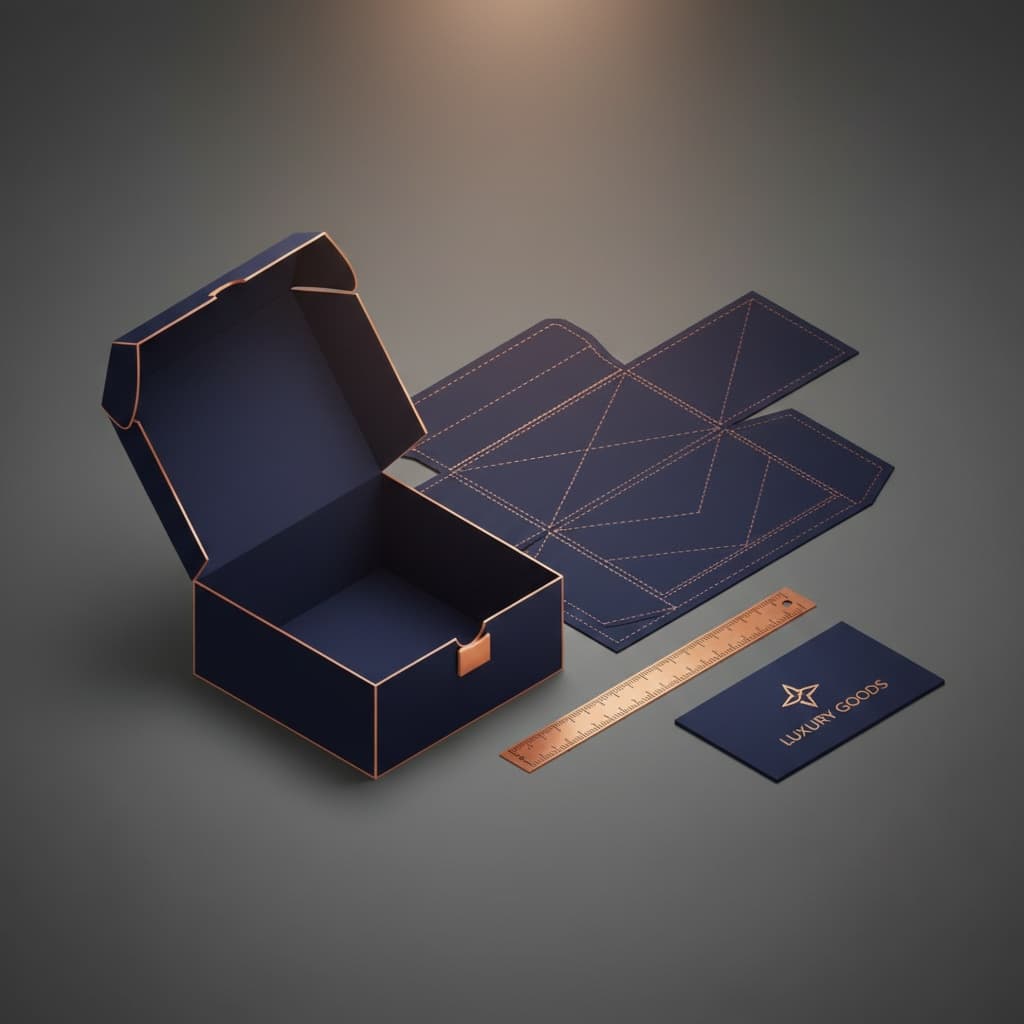
A 3D mockup can check the art, folds and opening order. A physical sample can help when the fit is tight, the box has many parts or the peg tab must carry more weight.
The Dieline Tool can help with custom size and art setup for supported box styles. A shaped tray still needs the real item size and lift-out space.
Test Custom Mobile Accessory Boxes while full. Hang them, stack them and open them. An empty sample cannot show how the weight affects the base or tab.
Plan First Runs and Larger Orders
MOQ starts from 50. This can suit a new item, limited colour or first shop test. Custom Packly also makes Custom Mobile Accessory Boxes in the thousands and for larger repeat needs.
The main issue is often the split by model. One total number can hide many art files and small runs. State the amount needed for each phone model, size and colour.
Also confirm which boxes share the same size. Note which ones need a new tray. Mark which versions need their own print.
For repeat orders, keep the approved board, box size, tray, finish and colour notes. When a phone model changes, update only the parts that need to change. Test the new item in the old box before reuse.
Send the Details That Affect the Quote
A clear quote for Custom Mobile Accessory Boxes needs more than the item name. Send:
- The item type and full size
- The filled weight
- The phone model or fit list
- The amount for each model or colour
- Shelf, peg wall or online use
- Window, tab or tray needs
- Board and finish ideas
- Art status
- Needed date
- Photos of all parts
Custom Packly can then suggest the right carton, board and tray. Send the details through Get a Quote to price Custom Mobile Accessory Boxes for a launch, shop order or ongoing product line.
FAQs
Related Industries
Related Packaging Styles
How it works
Simple steps from idea to delivery
Tell Us Your Specs

Tell Us Your Specs
Provide size, quantity, printing, and finishes.
Get a Fast Quote

Get a Fast Quote
Instant transparent pricing, no hidden fees.
Design and Approval

Design and Approval
Artwork checks, revisions, and final sign-off.
Produce

Produce
Expert manufacturing to meet deadlines.
Ship to Your Door

Ship to Your Door
Hassle-free, flexible delivery options.
Start Your Custom Packaging Quote
Share your product details, dimensions, quantity and artwork needs. We’ll help choose the right packaging style and send a clear quote.